How to Set Up a Home Golf Simulator on a Budget

The sticker shock of seeing high-end golf simulator prices for the first time stops a lot of people before they even start seriously researching. Six figures for a premium build, $20,000 to $40,000 for a mid-tier system — it's easy to assume the whole category is out of reach if you don't have an unlimited home improvement budget. But the range of what's actually available has expanded considerably in the past few years, and a home golf simulator setup on a budget is genuinely achievable if you understand where the money goes and where you can make smart trade-offs.

Our Services →

Why Indoor Golf Is a Game-Changer for Junior Player Development

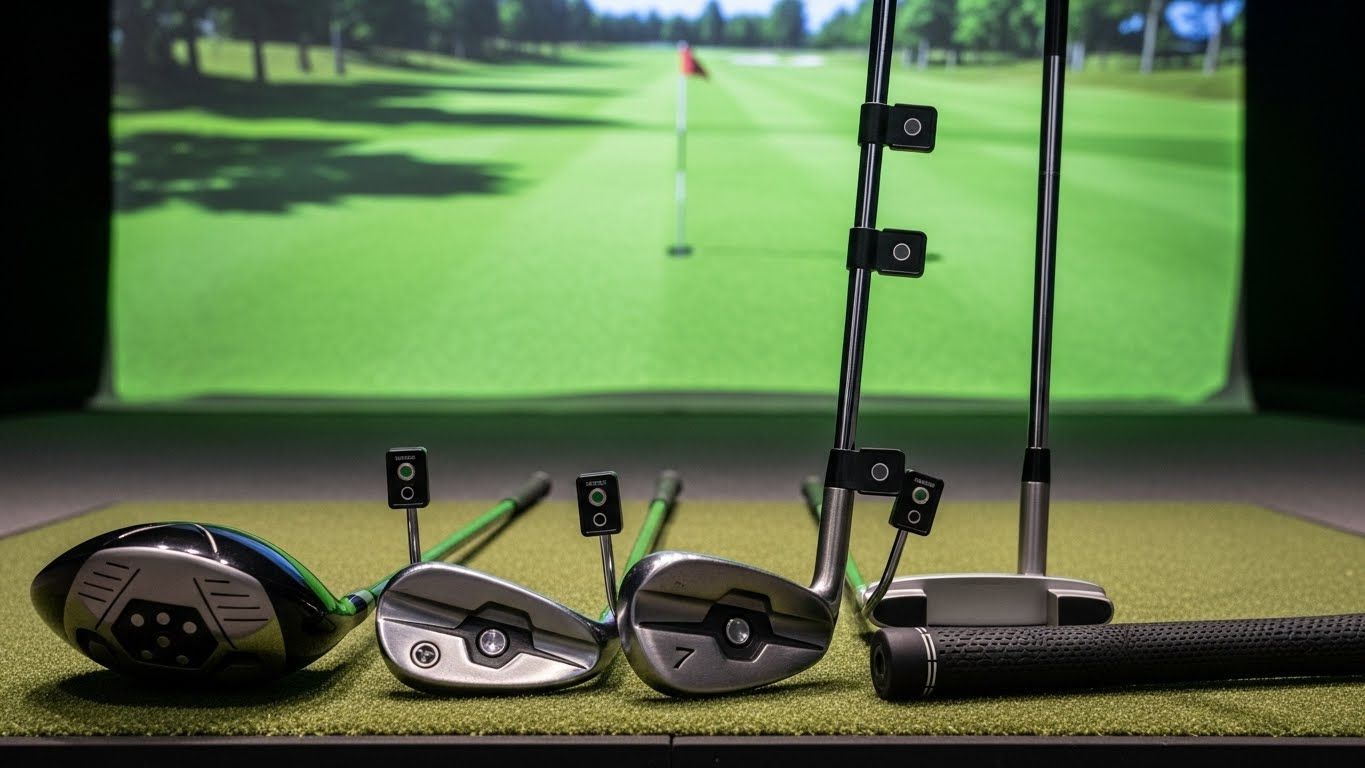
Picture of Golf Clubs

Understand what you actually need versus what's nice to have


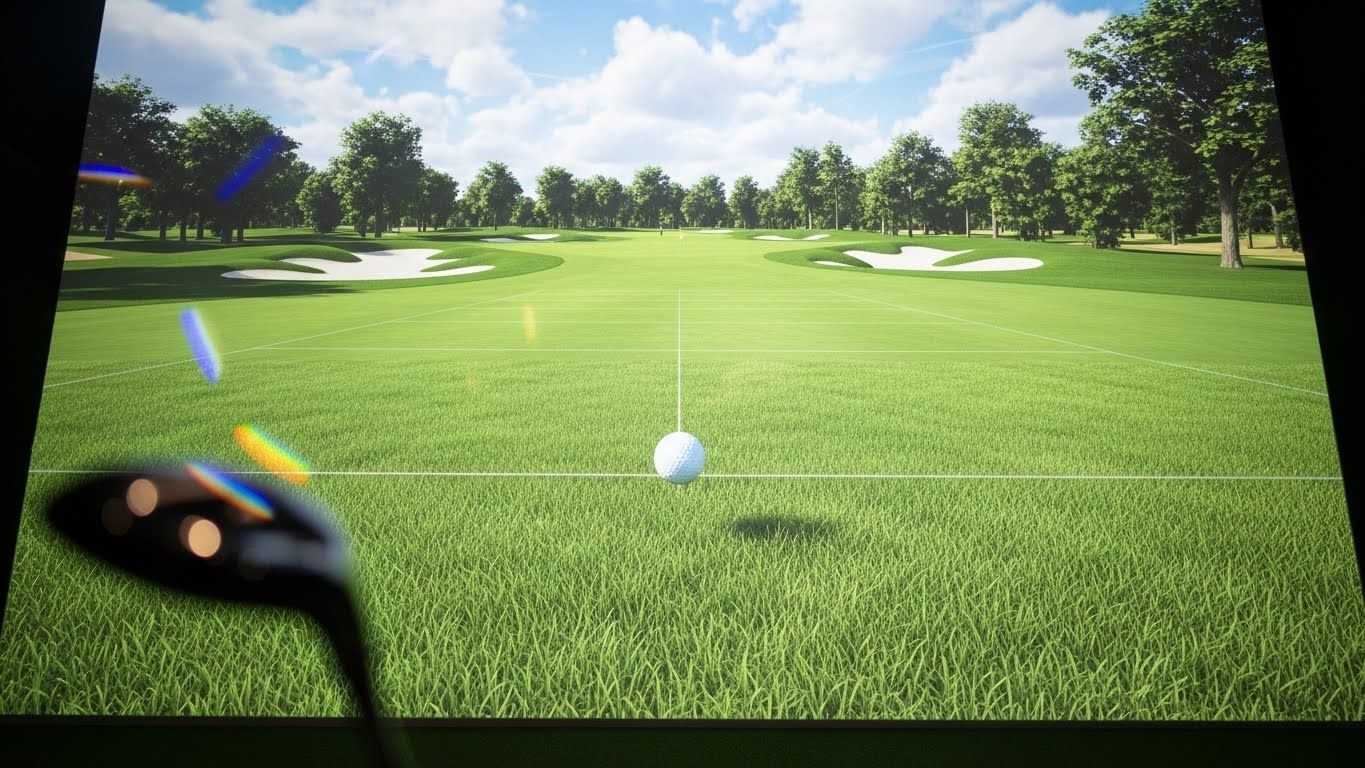
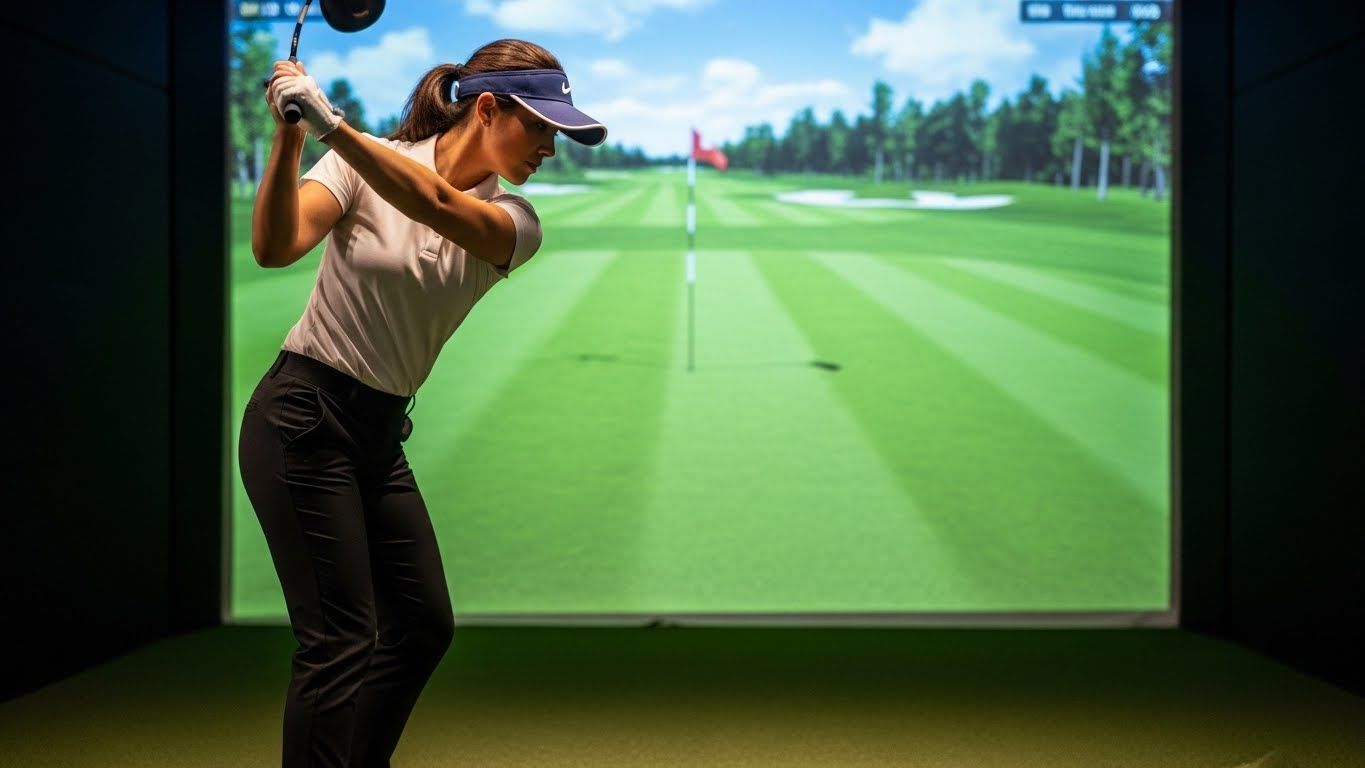
A functioning home golf simulator has four core components: a launch monitor, a screen, a projector, and a hitting mat. Everything else — an enclosure, premium software, high-end framing — is either optional or can be added later as budget allows. Keeping that framework in mind helps you evaluate options without getting distracted by features that matter less at the entry level.

The launch monitor is where you want to be most careful about cutting costs. It's the brain of the system — the device that measures what your club and ball actually do and translates that into shot data and simulated ball flight. A launch monitor that measures inaccurately makes everything else in the system less useful, because the game you're playing on screen won't reflect the shot you actually hit. That said, there are genuinely capable options in the $500 to $1,500 range — the Garmin Approach R10 and the Rapsodo MLM2PRO have both earned real credibility among budget-conscious simulator builders for delivering useful data at accessible price points.

The screen doesn't need to be expensive to work well. A basic white blackout fabric stretched across a simple frame, or even a tightly fitted white sheet as a starting point, will take a projected image acceptably. You can upgrade to a proper golf impact screen later when budget allows — and you should, because a real impact screen is built to absorb repeated ball strikes without degrading — but you don't need one on day one if resources are limited.

For the projector, a short throw model is almost always worth the premium over a standard throw in a home golf simulator context, because it lets you mount the projector closer to the screen without the image being interrupted by your swing. Budget short throw projectors in the $400 to $700 range perform adequately for simulator use, though brightness matters — look for at least 3,000 lumens if your space has any ambient light.

A decent golf hitting mat with some variation in surface texture runs $100 to $300 and makes a real difference in the feel of practice sessions. It doesn't need to be the most expensive option on the market to do its job.
estimated_quoteArtboard 3

Get a Free Quote

Contact Us


Full Golf Simulator Setup – Done Right


Build it in phases

One of the smartest approaches to a home golf simulator setup on a budget is to think in phases rather than trying to assemble the complete ideal system all at once. Phase one is a functional setup — launch monitor, basic screen, projector, mat — that you can actually use and practice with from day one. Phase two, whenever budget allows, might be upgrading to a proper golf impact screen and enclosure. Phase three might be a better launch monitor or premium simulator software with a deeper course library.

This phased approach does two useful things. It gets you playing and practicing immediately rather than waiting until you can afford everything at once. And it gives you real experience with the system before you invest in upgrades — so when you do spend money on improvements, you're spending it on the things that actually bother you about the current setup rather than guessing upfront about what will matter most.

The DIY enclosure is worth considering

A commercial golf simulator enclosure can cost anywhere from $800 to several thousand dollars depending on size and construction. A DIY version built from PVC pipe or simple lumber framing with netting or curtain panels costs a fraction of that and does essentially the same job for home use. If you're handy enough to follow a basic building plan — and there are plenty of free ones in simulator community forums — the DIY enclosure route can save several hundred dollars that are better spent on the launch monitor or screen.

The ceiling height requirement is the one thing you can't DIY your way around. You need a minimum of nine feet of clearance for a full swing with a driver, and ten feet is meaningfully more comfortable. If your space doesn't have that, no amount of budget optimization changes the fundamental constraint.

The honest takeaway is that a capable, enjoyable home golf simulator setup is available at almost every price point above about $1,500 to $2,000 for a complete basic system. It won't have the immersive quality of a $30,000 build, but it will measure your shots accurately, show you meaningful data, and let you play and practice through an Iowa winter without leaving your house. For most golfers, that's the point — and it's well within reach.

Des Moines Indoor Golf Installation Near Me?

Can golf simulators fix your swing? They can absolutely be part of what fixes it — a significant part, for most people who use them consistently and with purpose. The data removes the guesswork that makes range practice so inefficient. The immediate feedback builds better patterns faster than hitting balls into open air with no measurement. And the ability to practice year-round without weather interruptions means the work actually accumulates rather than getting reset every time a three-month Iowa winter breaks your momentum.

The simulator is the most honest practice partner you've ever had. What you do with the honesty is still up to you.