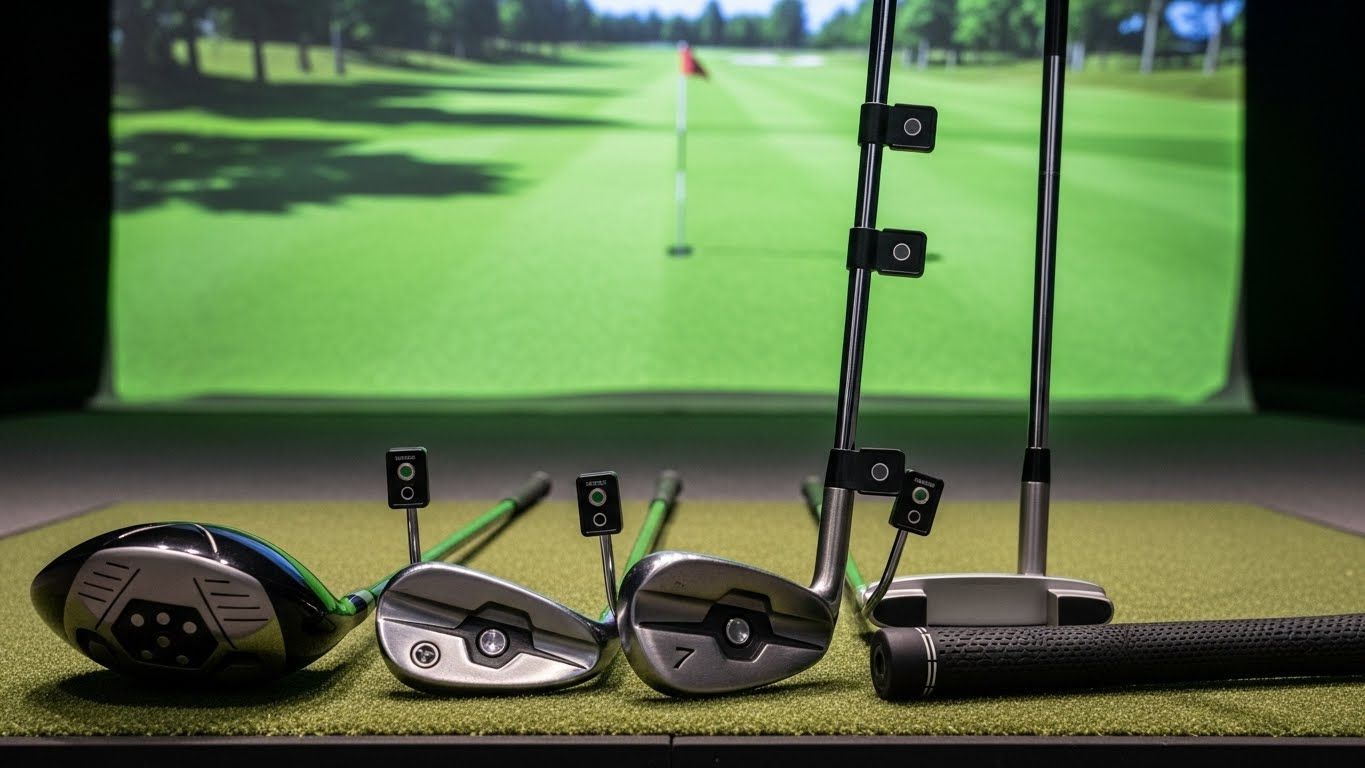
Swing analysis with video replay. A lot of simulators at the mid-range price point include camera-based swing capture, and for beginners this is one of the most valuable things you can have. Seeing your own swing — even on a basic two-angle view — is humbling and revelatory in equal measure. You will think your backswing looks one way. It does not look that way. Video replay closes the gap between what your body thinks it's doing and what it's actually doing, which is most of the battle when you're learning.
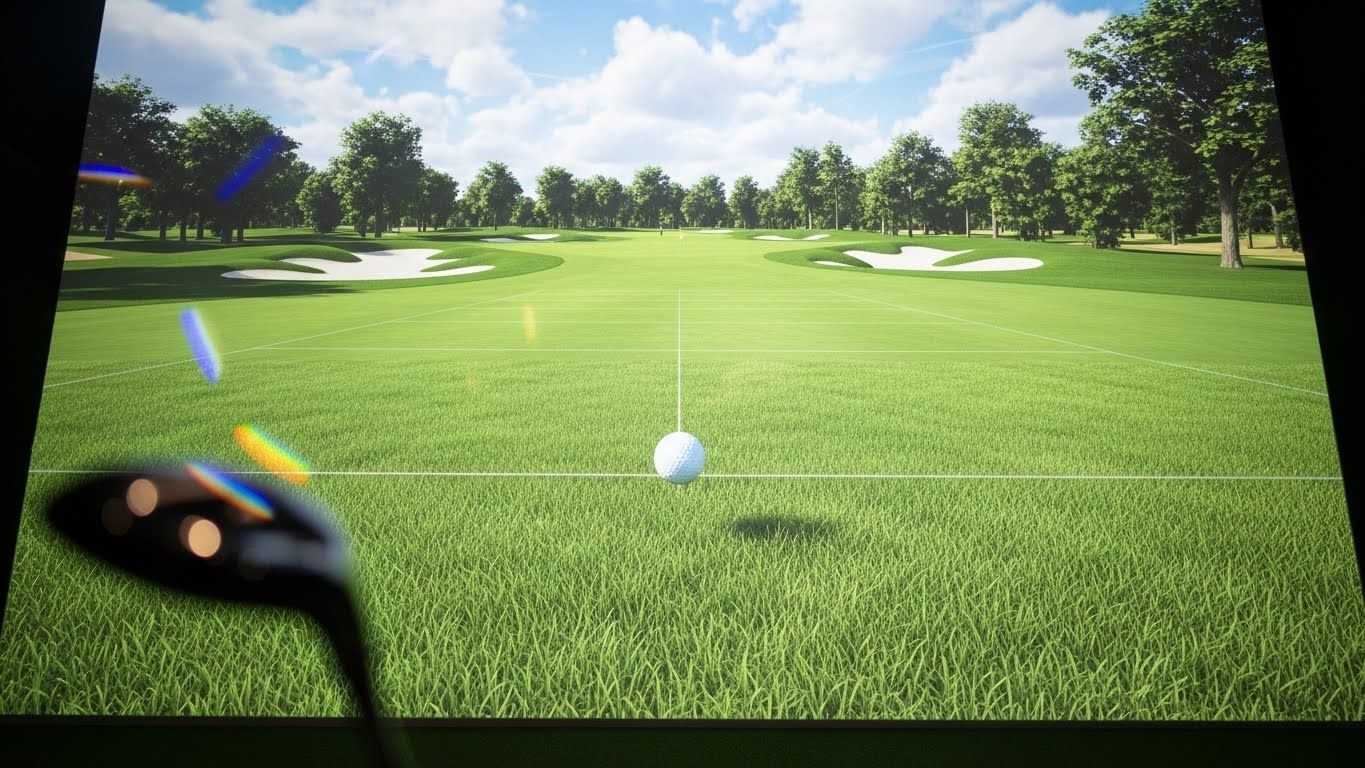
A driving range or practice mode. This sounds obvious, but some simulators are built almost entirely around simulated rounds on famous courses, with practice modes that feel like an afterthought. For a beginner, it should be the opposite. You want to be able to hit 50 balls at a target, change your club, and do it again — without loading a course, picking a tee time, or sitting through a scoring screen. Look for a simulator with a clean, friction-free practice environment you'll actually want to use regularly.
Adjustable difficulty and beginner-friendly courses. Playing Pebble Beach when you're shooting 140 is demoralizing in a way that makes people quit. Good beginner-oriented simulators offer shorter course layouts, slower greens, and forgiving rough settings. Some even have a dedicated beginner mode that removes penalty strokes and just lets you play and enjoy the experience. That matters more than you'd think for building the habit of actually using the thing.
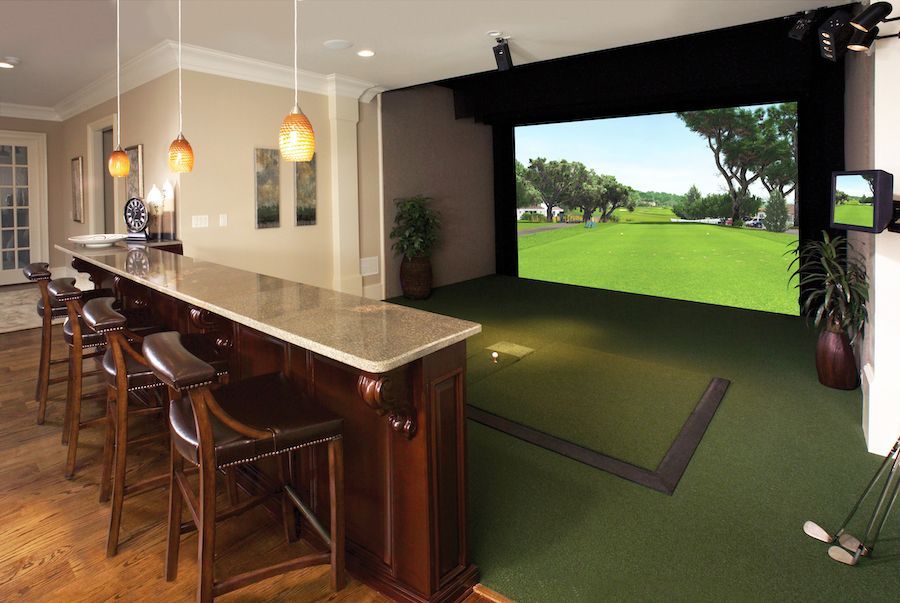
Software that doesn't require a PhD to navigate. There's a real split in the simulator market between software built for serious golfers and software built for everyone. If you find yourself spending 10 minutes before every session just trying to get set up, you're going to use it less. The best golf simulator features for beginners include an interface that gets you swinging within a minute of walking into the room. Clean menus, quick-start modes, and straightforward club selection make a real difference in daily usability.
One thing worth noting: you don't need a launch monitor that costs $20,000 to get genuine practice value as a beginner. Mid-range systems from brands like Garmin, SkyTrak, and Rapsodo have gotten remarkably good at the fundamentals — accurate ball tracking, basic data, and decent course libraries — at price points that aren't completely insane.
What actually separates people who improve with a simulator from people who don't isn't the technology. It's consistency. The best golf simulator features for beginners are the ones that make you want to use it three times a week — simple enough to be frictionless, accurate enough to be trustworthy, and fun enough that you don't feel like you're doing homework every time you pick up a club.
Start there. You can always upgrade later when you actually know what spin rate means.